TL;DR
Listen free for 30 days with Audible
Thousands of audiobooks and originals — cancel anytime.
Start your free trialAs an affiliate, we earn on qualifying purchases.
A room-by-room automation plan turns your home into a set-it-and-forget-it environment. Automate lighting, climate, security, and more for energy savings and convenience, with minimal ongoing effort.
Imagine walking into your home after a long day, and lights turn on softly, the temperature feels just right, and your favorite music starts to play. That’s the power of a well-designed home automation plan. Instead of managing dozens of devices daily, you set routines once and enjoy the results forever.
This guide shows you how to craft a room-by-room automation plan that fits seamlessly into your lifestyle. It’s about creating a smart home that works for you, not the other way around. Ready to make your home truly effortless?
Start small—automate one room or device, then expand gradually.
Customize routines for each space based on its primary function—comfort, security, energy savings.
Use centralized control platforms to manage all devices easily and reliably.
Prioritize compatible devices supporting common standards to future-proof your system.
Regularly review and adjust routines to keep your home running smoothly and efficiently.
How to Kickstart Your Room-by-Room Automation
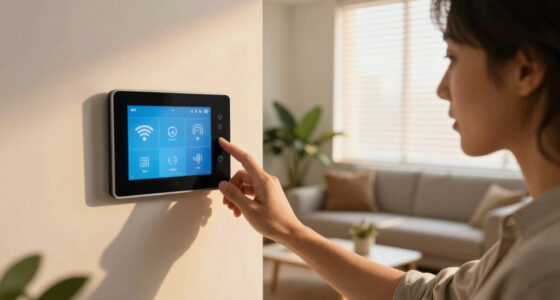
Starting small is key. Pick a single room—like the living room or bedroom—and automate one or two things, such as lighting or climate control. Use a smart hub or app to create routines that trigger multiple devices. Over time, expand to other spaces.
For example, program your living room lights to dim at sunset, and your thermostat to adjust when you start watching TV. This initial step sets the stage for a fully automated home.
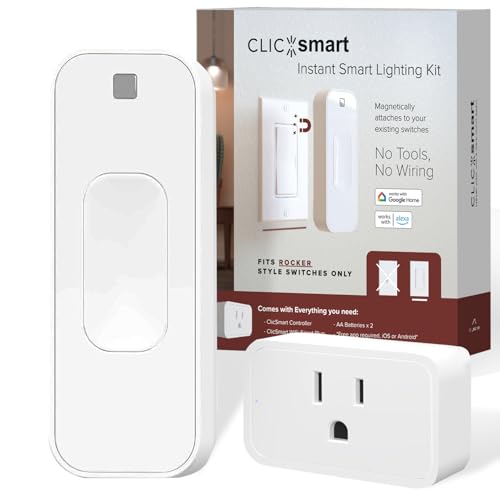
ClicSmart Rocker Smart Home Lighting Automation Starter Kit for Rocker Style Wall Switches Includes One WiFi Outlet Smart Plug and One Magnetic Bluetooth Rocker Switch Controller Free ClicSmart App
- Smart Home Starter Kit: Includes Bluetooth controller, batteries, and WiFi smart plug
- Rocker Style Wall Switch Controller: Fits securely over existing rocker switches
- Magnetic Mounting: Secures easily with built-in magnets
As an affiliate, we earn on qualifying purchases.
As an affiliate, we earn on qualifying purchases.
Room-Specific Automation Ideas That Make Life Easier
Each room has unique needs. Here’s a quick look:
| Room | Automation Focus | Example Routine |
|---|---|---|
| Living Room | Lighting & Entertainment | Lights dim when TV turns on, music starts softly |
| Bedroom | Climate & Sleep | Thermostat lowers temperature at bedtime, blinds close |
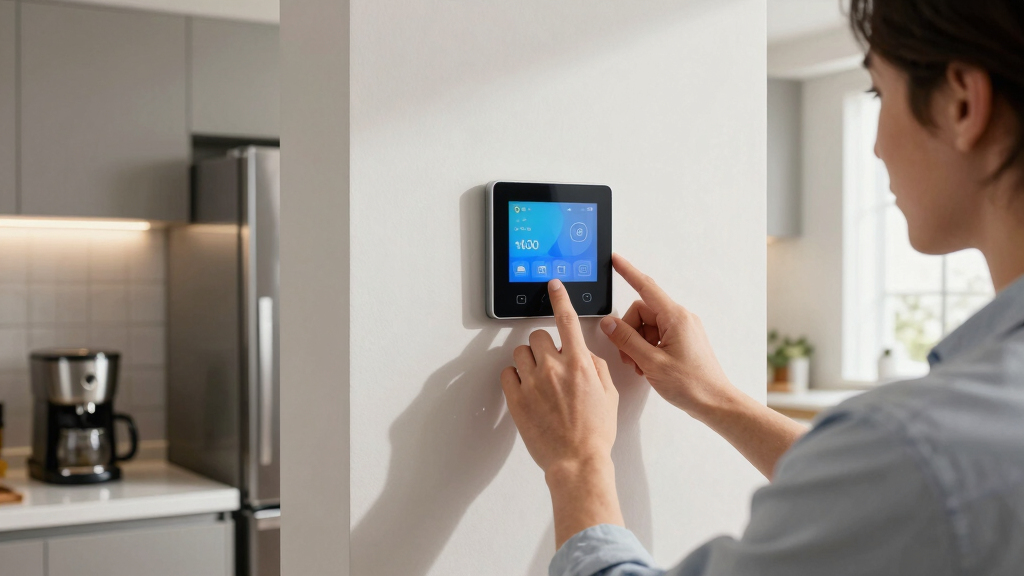
| Kitchen | Appliances & Lighting | Coffee brews at 6:30 AM, lights turn on when motion detected |
| Garage | Security & Access | Door locks automatically after 10 PM, alert if left open |
Think about what each space needs most—whether it’s comfort, security, or energy efficiency—and tailor routines accordingly. Prioritizing these needs helps you allocate your automation resources effectively. For instance, focusing on security in the garage might involve motion-activated cameras and smart locks, while the living room benefits from lighting and entertainment integration. Recognizing these priorities ensures your automation enhances daily life without overcomplicating your system, balancing convenience with security and energy savings.
As an affiliate, we earn on qualifying purchases.
How to Design Reliable Automation Routines
- Identify your priorities for each room—comfort, security, cost savings. Understanding what matters most helps you create routines that truly benefit your lifestyle, rather than just adding complexity.
- Choose devices compatible with your central hub (like Alexa or Google Home). Compatibility ensures seamless communication between devices, reducing frustration and troubleshooting time.
- Create routines that cover common scenarios—morning wake-up, bedtime, arrival home. Designing these routines thoughtfully can drastically improve daily comfort and security, turning routine actions into effortless experiences.
- Test routines thoroughly, adjusting timings and triggers as needed. This process reveals potential pitfalls or conflicts, allowing you to refine routines for reliability and smooth operation.
- Set routines to run automatically, with manual override options for flexibility. This balance ensures you can adapt to unexpected situations without losing the benefits of automation.
An example: your morning routine might turn on lights, start the coffee maker, and adjust the thermostat—all triggered by your alarm or a specific time. Properly designed routines not only improve convenience but also help optimize energy use and maintain security, making your smart home more intuitive and trustworthy.
As an affiliate, we earn on qualifying purchases.
Energy Savings and Security: Your Home’s Best Friends
Automating lighting and climate control can cut energy bills by up to 30%. This isn’t just about saving money; it also reduces your home’s environmental impact by lowering unnecessary energy use. Motion sensors that turn lights off when a room is empty prevent waste, but they also ensure you’re never left in the dark. Smart thermostats that adjust based on occupancy or time of day optimize comfort while minimizing heating or cooling costs, which can be significant. Smart locks and cameras provide security without the need for manual checks, giving you peace of mind whether you’re home or away. The tradeoff is that initial setup and device costs can be higher, but the long-term savings and convenience often outweigh these upfront investments. Properly integrated, these systems work seamlessly to enhance safety and efficiency, but they require careful planning to avoid over-complication or security vulnerabilities.
It’s important to recognize that while these systems offer substantial benefits, they also come with tradeoffs. The initial investment in quality devices and the time needed to set up and customize routines can be considerable. However, these upfront costs are often offset by the ongoing savings in energy bills and the increased security. Over time, the convenience of having a system that proactively manages your home’s safety and efficiency can significantly reduce daily stress and manual effort, making it a worthwhile investment. Additionally, a poorly planned or insecure automation setup can introduce vulnerabilities, so careful selection and regular updates are essential to maintain both safety and peace of mind.
As an affiliate, we earn on qualifying purchases.
Planning for Future Upgrades Without Hassle
Your automation system should grow with you. Pick devices that support common standards like Zigbee or Z-Wave to ensure compatibility. Keep a simple plan—add one or two new features every few months, like smart blinds or leak detectors. This phased approach prevents overwhelm and helps you learn what works best for your home, making upgrades more manageable and less costly over time. For example, starting with basic lighting and thermostat automation allows you to gradually introduce more advanced features without disrupting your existing setup. This strategy also reduces the risk of compatibility issues and helps you avoid unnecessary expenses, as you can assess each addition’s value before expanding further. Planning your upgrades thoughtfully ensures your system remains flexible, scalable, and aligned with your evolving needs, ultimately creating a more resilient and future-proof smart home environment.
Frequently Asked Questions
How do I decide which rooms to automate first?
Start with the spaces you use most often or where automation can save the most energy or time. For many, the living room or bedroom is a good first step because routines there have the biggest impact on daily comfort.Can I automate my home without professional help?
Absolutely. Many smart devices are DIY-friendly with intuitive apps and setup guides. However, for complex systems or larger homes, consulting a professional can save time and avoid frustration.What if a routine fails or a device stops working?
Choose reliable devices and keep firmware updated. Set up manual controls or override options so you’re not stuck if automation hiccups happen. Regular testing and maintenance keep things running smoothly.How do I keep my home secure while automating?
Use secure Wi-Fi networks, strong passwords, and devices from reputable brands. Enable alerts for unusual activity, and regularly update device firmware to patch vulnerabilities.What’s the best way to expand my automation system later?
Stick with devices supporting common standards like Zigbee or Z-Wave. Add new features gradually, testing each addition to ensure compatibility and ease of use.Conclusion
Remember, a truly effortless home isn’t built overnight. It’s crafted with thoughtful planning and simple routines that run themselves. Focus on what each room needs most—then let automation do the heavy lifting.
Imagine coming home to a house that feels alive—lights, climate, security—all working in harmony, with minimal input from you. That’s the magic of a well-designed, set-it-and-forget-it home.
Fall Picks
fall essentials
As an affiliate, we earn on qualifying purchases.