
TL;DR
Programmable smart home timers automate when your devices turn on and off, helping you save energy and simplify routines. They range from basic plug-ins to integrated systems, with reliability depending on their connection type and features.
Ever leave a porch light on all night, or struggle to remember when to turn off a space heater? That’s where programmable smart home timers step in. They’re like a personal assistant for your devices, turning them on or off at just the right moment without your constant attention.

Get home appliances delivered free with Prime
- Fast, free delivery on millions of items
- Prime Video, Amazon Music and more included
- Member-only deals all year
Whether you want to automate your garden irrigation, control your holiday lighting, or manage heating schedules, these timers make it easy. In this article, you’ll learn how they work, the different types available, and practical tips to choose the best one for your home.
Choose timers with the right connectivity and safety ratings for your appliances.
Set schedules that match your routines—automatic sunset/sunrise control saves effort.
Local control capability keeps your devices running smoothly during internet outages.
Energy savings from timers depend on smart scheduling and household habits.
Future timers will be smarter, more connected, and more adaptable to your lifestyle.
What Are Programmable Smart Home Timers and Why You Need Them
At their core, programmable smart home timers are devices or software that let you set specific schedules for your electronics and appliances. They matter because they enable you to automate routine tasks, which not only saves you time but also reduces the likelihood of human error—like forgetting to turn off a device. This automation can significantly impact your energy bills and device longevity, as unnecessary operation is minimized.
Modern smart timers can respond dynamically to household routines, weather, or your commands, allowing for more nuanced control. The tradeoff is that more advanced systems often require a learning curve or initial setup effort, and sometimes a higher upfront investment. The implications are that choosing the right timer involves balancing ease of use, cost, and the level of automation you desire, ensuring you get a device that truly fits your lifestyle and energy goals.
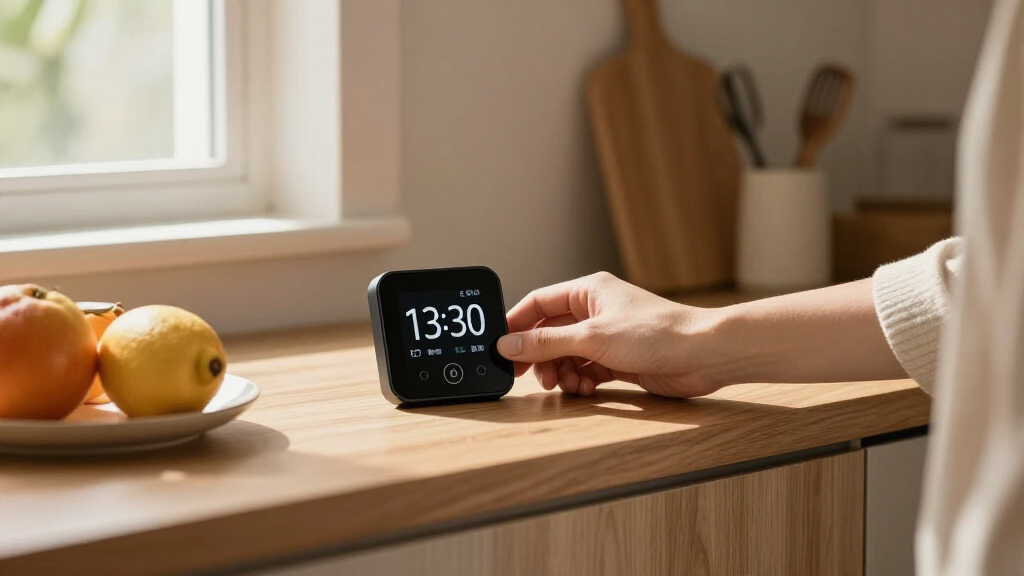
For example, a smart plug with a timer can control a lamp, turning it on at sunset and off at sunrise—no manual fuss needed. Or a built-in timer in your thermostat can adjust temperatures based on the time of day or occupancy, saving you cash on heating bills while maintaining comfort.
Products Worth Considering

WORX 20V PowerShare Brushless 18GA Cordless Brad Nailer, WX838L.1

WORX WG430 13-Amp Electric Leaf Mulcher

WORX WG585 40V Cordless Leaf Blower
As an affiliate, we earn on qualifying purchases.
Different Types of Timers and Which Fits Your Home
Not all timers are created equal. Your choice depends on what you want to control, how much automation you prefer, and your budget. Understanding the nuances of each type helps you make a more informed decision, ensuring the timer you pick aligns with your household’s specific needs and future expansion plans.
| Type of Timer | Features | Best For |
|---|---|---|
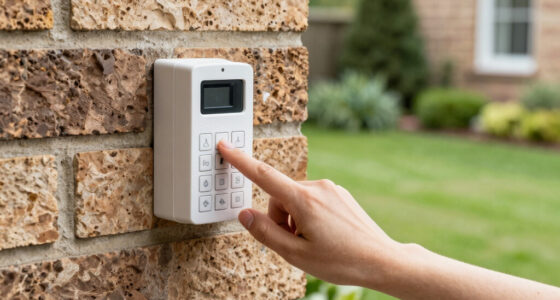
| Basic Plug-in Timer | Fixed daily/weekly schedule, mechanical or digital; limited customization; limited to simple on/off cycles | Lights, small appliances, basic outdoor lighting |
| Smart Plug | Wi-Fi, app control, voice compatibility, energy monitoring; often supports scheduling and scene creation | Remote device control, energy efficiency, integrating into smart routines |
| Built-in Home System | Integrated with thermostats, lighting, or security systems; centralized control; often programmable via home automation hubs | Whole-home automation, complex scheduling, seamless integration |
| Hub-Based Timers | Zigbee/Z-Wave, centralized control, customizable routines, expandable | Multiple devices, complex routines, future scalability |
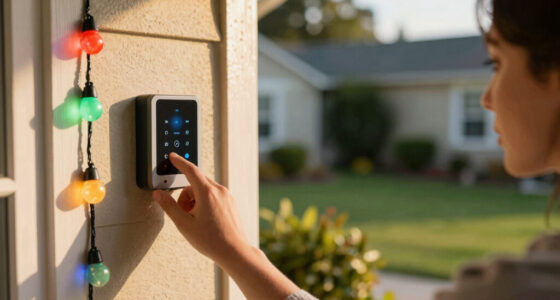
For example, a basic timer might be perfect for your porch light because it provides straightforward daily schedules. In contrast, a smart plug offers flexibility for controlling devices like a coffee maker from anywhere, giving you remote access and energy insights. If you’re aiming for a fully integrated home automation system, built-in options or hub-based timers allow for more sophisticated routines and device interactions, which can be invaluable for larger or tech-savvy households. The tradeoff is that these systems tend to be more complex and costly, so consider your comfort with technology and your long-term automation goals.
How to Set Up Your Smart Timer in 3 Simple Steps
- Select the right timer based on what you want to control and your home’s tech ecosystem. Consider compatibility, features, and future expansion.
- Install or connect the device. Plug in the timer or connect it to your Wi-Fi or hub, following the manufacturer’s instructions. For wired systems, always turn off power first and consider consulting a professional to ensure safety and proper setup.
- Configure your schedule. Use the app, control panel, or physical buttons to set specific times, routines, or sensor responses. Test the setup thoroughly to catch any misconfigurations that could lead to energy waste or device malfunction.
For example, you could set your outdoor lights to turn on at sunset and off at midnight, ensuring your home looks welcoming without wasting energy. Or schedule your garden sprinklers to water early in the morning when evaporation is minimal, optimizing water use and plant health. Proper setup minimizes issues and maximizes the benefits of automation, so taking time to verify each step is well worth the effort.
Key Features to Watch for When Choosing a Programmable Timer
Picking a timer isn’t just about the price. It’s about ensuring the device’s features align with your specific needs and long-term goals. A well-chosen timer can provide reliable automation, safety, and energy savings, but overlooking critical features may lead to frustration or subpar performance.
- Scheduling options: Can it handle multiple schedules, including daily, weekly, or special holidays? Does it support sunrise/sunset timing for outdoor lighting? These features matter because they allow your automation to adapt to natural light cycles, reducing manual adjustments and increasing energy efficiency.
- Connectivity: Wi-Fi, Bluetooth, Zigbee, Z-Wave? Compatibility with your existing smart home ecosystem ensures seamless operation. Incompatibility can lead to frustration and additional costs for adapters or replacements.
- Reliability: Does the timer maintain schedules during internet outages or power disruptions? Devices with local control or backup power are preferable for critical functions like security or heating, as they prevent routine failures that could compromise safety or comfort.
- Power rating and safety: Ensure the timer supports your appliances’ voltage and load requirements. High-power devices like space heaters or pumps require timers specifically rated for their load to prevent overheating or damage, which could pose safety hazards.
- Ease of use: Features like physical override buttons, clear app interfaces, and simple setup processes reduce user error and frustration, making automation more accessible and reliable.
Choosing a timer with these features ensures that your automation is robust, safe, and effective, ultimately leading to better energy management and convenience in your daily routines.
Smart Timers and Energy Saving: Do They Really Help?
Smart timers can significantly reduce energy waste when used thoughtfully. Timing outdoor lights to turn off at midnight prevents unnecessary illumination, which not only saves energy but also extends bulb life and reduces light pollution. Similarly, scheduling your heater to operate only during occupied hours minimizes unnecessary heating, which is especially beneficial during shoulder seasons or when you’re away.
Research indicates household timers can lower lighting and heating energy consumption by up to 15%. This percentage reflects not just the timer’s ability to turn devices on and off but also the importance of user discipline—consistent schedules, avoiding manual overrides, and integrating timers into broader energy-saving habits amplify savings. The tradeoff is that poorly configured timers or inconsistent routines can negate potential benefits, so understanding your household’s energy patterns is crucial.
For example, a timer that automatically turns off the TV and lights after bedtime ensures you’re not paying for energy you’re not using. When connected to an app, you can analyze usage patterns and refine schedules for maximum efficiency, aligning device operation with your actual habits and seasonal changes. This combination of smart scheduling and behavioral awareness makes timers an effective tool for reducing your household’s energy footprint.
Troubleshooting Common Smart Timer Problems
When your smart timer acts unpredictably, understanding the root causes helps you resolve issues quickly and prevent future problems. For example, if your schedule isn’t executing correctly after a power outage, it’s often because the device lost its stored settings or the internal clock reset. Checking whether the timer stores settings locally or relies on cloud servers is crucial—local storage ensures routines persist through outages, while cloud-dependent devices might need reconfiguration after disruptions.
If your Wi-Fi connection drops, routines that depend on internet-based control may pause or revert to default settings. For critical functions, such as security or heating, selecting timers with local control capabilities or backup power options minimizes operational disruption. Regular firmware updates and proper placement to ensure strong signals can also prevent connectivity issues.
For example, if outdoor lights don’t turn on at sunset, verify the device’s time zone and sunset/sunrise settings—incorrect geographic data can cause timing errors. A simple reboot, updating the device’s firmware, or resetting to factory defaults often resolves common glitches. Always adhere to safety procedures: turn off power before installation or maintenance, and consult a professional for wired or high-power setups to prevent hazards or damage.
The Future of Smart Timers: Smarter, More Connected Home Control
The landscape of smart timers is rapidly evolving, driven by advances in AI, connectivity, and energy management. Future models will likely feature AI-driven routines that learn your habits and adjust schedules automatically, optimizing comfort and energy savings without manual input. For example, a thermostat might learn the best times to heat or cool based on weather forecasts and your daily routines, reducing energy waste while maintaining comfort.
Interoperability standards like Matter will facilitate seamless communication among devices from different brands, simplifying setup and expanding possibilities. Local processing capabilities will become more prevalent, reducing reliance on cloud services, which enhances privacy and reliability—especially during internet outages.
Additionally, energy management features will become more sophisticated, enabling timers to dynamically adjust device operation during peak hours or when renewable energy sources like solar are generating power. This shift towards smarter, more connected timers means your home will not only be more efficient but also more adaptable to your lifestyle, with routines that evolve intelligently over time, reducing manual intervention and maximizing savings.
Frequently Asked Questions
Can I use a smart timer with my existing appliances?
Yes, as long as the appliance’s power requirements match the timer’s ratings and it is compatible with the timer’s connection type. Always check the load limits and safety instructions.Will my timer keep working if the Wi-Fi goes out?
It depends on the device. Timers with local control or built-in memory will continue to operate on their schedule even without internet. Cloud-dependent timers may pause routines until connection is restored.Are smart timers safe for high-power devices like heaters or pumps?
Only if rated specifically for those devices. Always follow the manufacturer’s safety guidelines, and consider professional installation for high-power or wired setups.How much can I expect to save with smart timers?
Studies indicate up to 15% energy savings when timers are used to control lighting and heating. Savings depend on your habits and how effectively you schedule devices.Do I need a hub or can I connect directly to Wi-Fi?
Some timers connect directly via Wi-Fi; others require a hub or bridge. Check the product specifications to see what fits your home’s existing ecosystem.Conclusion
Smart timers aren’t just gadgets—they’re your home’s silent helpers, quietly saving energy and hassle every day. With a little setup, you can make your home more responsive and efficient. Think of them as the unseen ‘brain’ behind your routines, working tirelessly behind the scenes.
Ready to give your home a smarter edge? Start by identifying what devices you want automated, pick a timer that fits your needs, and enjoy the calm of well-orchestrated routines. Your future self will thank you—less wasted energy, more comfort, and a home that truly works for you.