
TL;DR

Get home appliances delivered free with Prime
- Fast, free delivery on millions of items
- Prime Video, Amazon Music and more included
- Member-only deals all year
Countdown timers count down from a set duration, creating urgency, while schedule timers trigger at specific future times for reliable automation. Knowing when each makes sense ensures your smart devices run smoothly and effectively.
Timers shape how we automate and manage our smart homes and digital routines. But not all timers are created equal. Understanding the difference between countdown timers and schedule timers can make a big impact on how effective your automation is.
If you want to create a sense of urgency—like a flash sale countdown—or reliably trigger a device or event at a set future time, knowing when each timer type makes sense can save you headaches and boost efficiency.
Choose countdown timers for short-term, urgency-driven scenarios like flash sales or game timers.
Opt for schedule timers when reliability and precision over long periods matter—like daily routines or security automation.
Server-side timers outperform client-side in accuracy, especially across multiple devices or unreliable networks.
Combining both timer types can cover your automation needs efficiently and effectively.
Stay updated on cloud-based scheduling tools to improve reliability and security in your timer setups.
What exactly are countdown and schedule timers? Here’s the quick breakdown
Countdown timers start from a specified number of seconds or minutes and tick down to zero. They are often used to create immediate urgency or visual cues, such as a timer counting down during a limited-time offer. Their real importance lies in how they influence user behavior—by visually emphasizing the remaining time, they can motivate quick action. However, because they depend on the device’s clock and processing, they might become inaccurate if the device’s clock is off or if there’s lag, potentially undermining their effectiveness in critical scenarios.
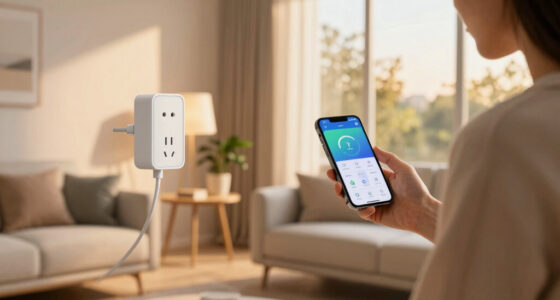
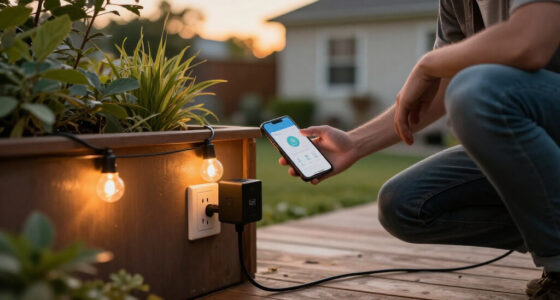
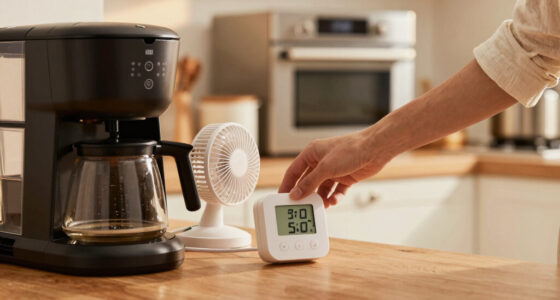
Schedule timers, on the other hand, activate at a fixed point in the future, such as turning on the porch light at 7 PM every evening or starting a coffee machine at 6:30 AM. Their core strength is in providing consistent, predictable automation, especially over long periods. Since they rely on system clocks and often cloud-based scheduling, they tend to be more precise and less susceptible to device performance issues. This reliability makes them essential for routines where timing accuracy is crucial for safety, security, or energy efficiency.
- Countdown timers are dynamic, often displayed on the screen, and best for short-term, visual urgency.
- Schedule timers are typically invisible, operating behind the scenes, and suitable for long-term, dependable automation.
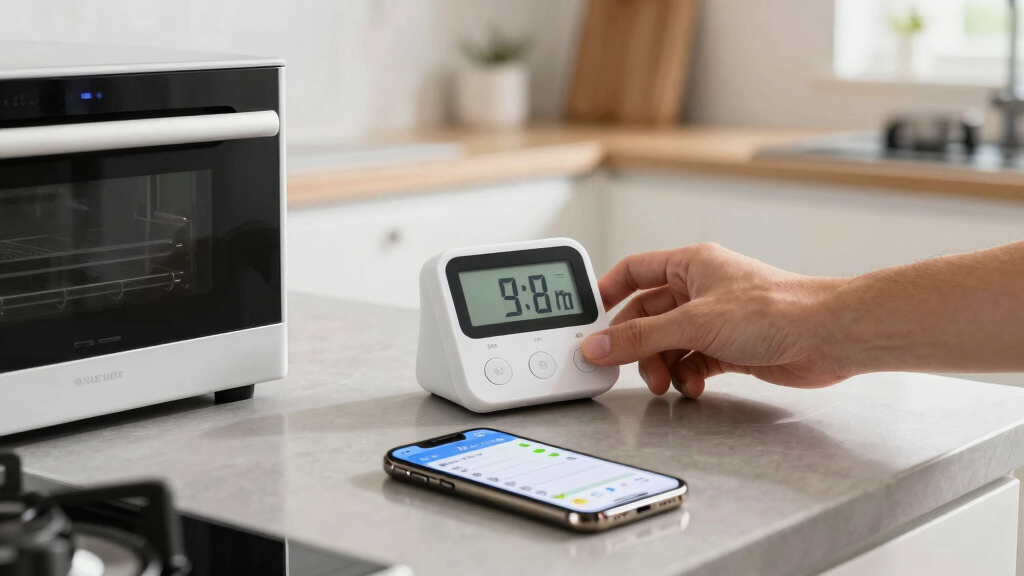
digital countdown timer for smart home
As an affiliate, we earn on qualifying purchases.
As an affiliate, we earn on qualifying purchases.
Use cases that reveal why one timer beats the other
Suppose you run a small online store. During a flash sale, a countdown timer creates a sense of urgency—”Only 15 minutes left!”. This visual cue can significantly boost conversions by encouraging customers to act quickly. The key here is the timer’s ability to influence behavior in real-time—if it’s inaccurate, it can diminish trust or cause frustration. Therefore, client-side countdowns are ideal for short-term promotions but should be synchronized with server time to avoid discrepancies.
Now, imagine you want your smart thermostat to turn on heating every morning at 6:30 AM. A schedule timer ensures this event occurs reliably day after day, regardless of user interaction or device status. The importance here is consistency—if the timer drifts or is inaccurate, your home could be uncomfortably cold or hot, wasting energy or compromising comfort. Using server-synced schedule timers minimizes these risks, ensuring your routines are trustworthy and energy-efficient.
Here’s a quick rundown:
| Scenario | Best Timer Type |
|---|---|
| Creating a limited-time offer or flash sale | Countdown timer |
| Automating daily routines like turning on lights or adjusting thermostats | Schedule timer |
As an affiliate, we earn on qualifying purchases.
How to pick the right timer for your smart home in 3 steps
- Identify if the event is short-term or long-term. Need urgency? Use a countdown. Planning daily or weekly routines? Use a schedule. Recognizing this helps you prioritize the timer type that best matches your needs, ensuring your automation is both effective and efficient.
- Consider accuracy needs. Do you need the event to happen exactly at a specific time? Schedule timers, especially those synchronized with cloud servers, are more dependable for precise timing, reducing the risk of missed or delayed actions that could impact safety or comfort.
- Assess device and network factors. Are your devices stable and connected? If not, server-side schedule timers that rely less on real-time device performance can reduce delays and failures, maintaining the integrity of your automation routines.
For example, if you want your porch light to turn on exactly at sunset, a schedule timer set to a fixed time or calculated sunset time is best. For a flash sale countdown, a client-side countdown timer can create excitement but should be synchronized with server time for accuracy.
Remember: combining both can often cover most scenarios. Use schedule timers for critical, reliable routines, and countdowns to generate urgency or engagement. Understanding the tradeoffs ensures you deploy the most effective automation strategies.
As an affiliate, we earn on qualifying purchases.
Recent tech advances making timers smarter and more reliable
Cloud services now support highly reliable schedule timers. Platforms like AWS or Google Cloud enable precise triggering of events based on synchronized server clocks, independent of individual device performance. This means your routines will execute on time, even if your app crashes or devices restart, greatly enhancing dependability. Additionally, these advances reduce the risk of timing errors that can cause security lapses or missed actions.
Countdown timers are also benefiting from technological improvements. With real-time synchronization across devices, countdowns can stay accurate even if internet connections fluctuate temporarily. This is achieved through techniques like server time correction and local caching, which help maintain timer consistency and reduce user frustration. Security enhancements, such as tamper-proof timers and encrypted commands, further ensure that automated routines remain trustworthy and resistant to manipulation, especially for sensitive tasks like security or financial automation.
In sum, these technological developments are pushing timers toward higher accuracy, security, and reliability—key factors for seamless smart home operation and secure automation.
As an affiliate, we earn on qualifying purchases.
Quick facts you didn’t know about timers
- Countdown timers can be thrown off by device clock changes or network lag, making server-side timers more dependable for critical applications. The tradeoff is that server timers may introduce slight delays but generally offer higher consistency.
- Schedule timers are often managed via cron jobs or cloud-based schedulers, which ensure triggers happen at the intended time regardless of device status. This reduces the risk of missed actions but relies on accurate server time synchronization.
- In multi-device environments, synchronization involves fetching server time periodically and adjusting local timers accordingly. This process can introduce complexity but significantly improves consistency across platforms.
- Implementing timers securely requires proper authentication and encryption, especially for scheduled actions that could impact safety or finances. This safeguards automation routines from tampering or malicious interference, maintaining system integrity.
Your most common questions — answered
When should I use a countdown timer instead of a schedule timer? When you want to create a sense of urgency or immediate engagement, like a flash sale countdown. Use schedule timers for predictable, long-term automation, like turning lights on at sunset. The key is understanding that countdown timers are more about influencing behavior in the short term, while schedule timers ensure consistent operation over time.
Are countdown timers accurate across all devices? Not always. Client-side timers depend on device performance and network stability, which can vary. For critical tasks, relying on server-side timers or synchronized clocks provides more dependable timing, reducing errors and user frustration.
How can I synchronize timers across multiple devices? Regularly fetching server time and adjusting countdowns accordingly is essential. Using centralized, server-driven timers ensures consistency, especially when devices have different hardware or network conditions. This prevents discrepancies that can cause automation failures or user confusion.
What’s the best way to implement schedule timers? Use cloud scheduling services that support time zone adjustments and include security measures like authentication and encryption. Properly managing permissions ensures only authorized actions occur, maintaining safety and reliability.
Can users tamper with countdown timers? If timers are purely client-side, yes. However, combining server validation and secure communication protocols prevents manipulation, safeguarding your automation routines from malicious interference.
Conclusion
Knowing when to use countdown versus schedule timers transforms your automation from functional to flawless. Whether creating a buzz or ensuring precise routines, picking the right timer keeps your smart home humming smoothly.
Next time you set up an automation, ask yourself: Is this short-term excitement or long-term reliability? Your choice shapes how well your system performs—and how much it impresses.
Fall yard work Picks
leaf blowers
As an affiliate, we earn on qualifying purchases.