
TL;DR
Open a free Amazon Business account
Business pricing, bulk buying and tax-exempt orders.
Create a free accountAs an affiliate, we earn on qualifying purchases.
Smart plugs track real-time power, energy use, and costs. Learning to read these numbers helps you identify waste, reduce bills, and boost efficiency—making your home smarter and greener.
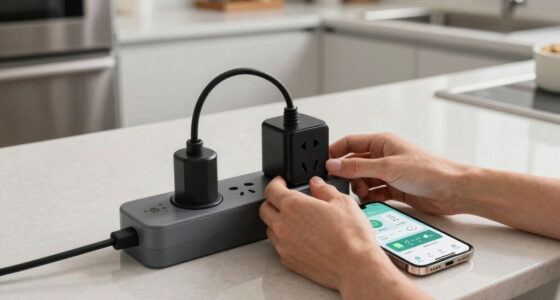
Imagine a device that not only turns your appliances on and off but also reveals exactly how much energy they gobble up. That’s what a smart plug with energy monitoring can do. The numbers it provides aren’t just digits—they’re clues in your quest to cut costs and waste.
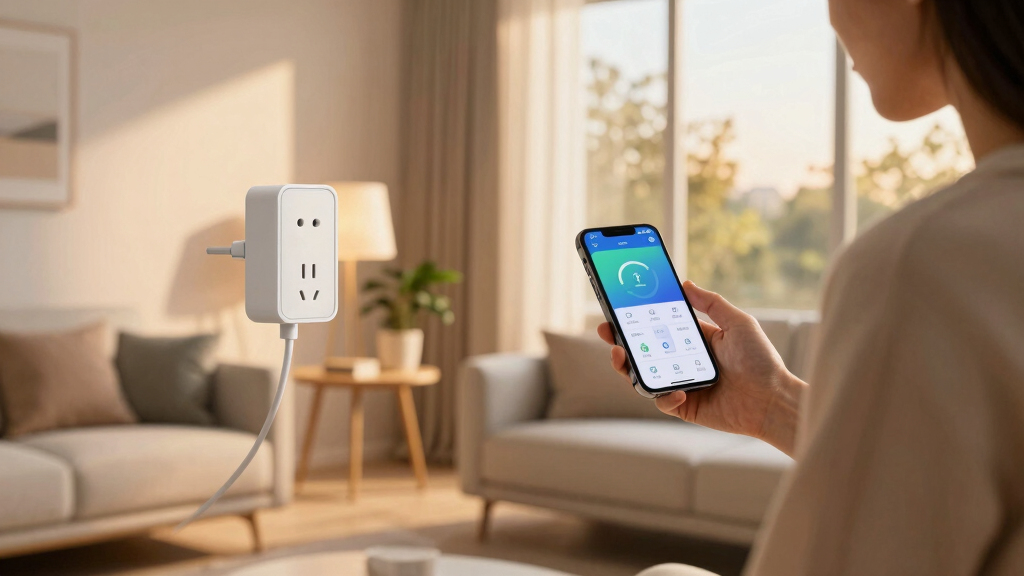
Whether you’re curious about that standing lamp or your fridge, learning how to read the data unlocks a treasure trove of insights. It’s like having a mini energy auditor right in your pocket, guiding smarter choices every day.
Learn to read real-time power (Watts) and daily summaries to spot wasteful devices.
Compare your device’s energy use against typical benchmarks to identify inefficiency.
Small adjustments, like turning off idle devices, can cut your energy bills significantly.
Choose smart plugs with high accuracy, easy apps, and good security to get reliable data.
Use your smart plug data regularly to build smarter habits and reduce waste.
What Do Those Numbers Mean? Break Down the Key Metrics
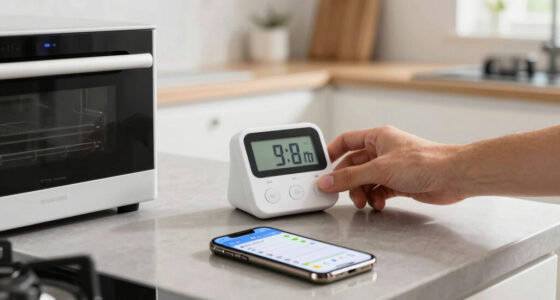
Smart plugs measure several key figures: power (Watts), energy consumption (kWh), voltage, and current. Think of Watts as the immediate ‘heart rate’ of your device—how hard it’s working right now.
Energy in kilowatt-hours shows the total ‘fuel’ used over time—crucial for spotting waste. Voltage and current are like the blood pressure and pulse, giving hints on device health or inefficiency. For example, a fridge’s power might fluctuate between 100W and 200W, but if it’s constantly high, it’s a sign it’s working overtime.
Understanding these metrics is vital because they reveal not just how much energy is used, but also how efficiently your devices operate. For instance, a device that consistently draws more power than typical for its class may be malfunctioning or nearing the end of its lifespan, leading to higher energy costs and potential breakdowns. Recognizing these signs early allows you to schedule maintenance or replacements, saving money and preventing unexpected failures. The implications are clear: accurate interpretation of these numbers can lead to smarter maintenance and better long-term savings.

TP-Link Tapo Smart Plug Mini, Matter Compatible, Compatible with Alexa, Google Home & Samsung SmartThings, Energy Monitoring, 15A, UL Certified, 2.4G Wi-Fi Only, Tapo P110M(4-Pack)
- Matter-Certified Compatibility: Works with major smart home platforms
- Energy Monitoring: Tracks and visualizes energy consumption
- Cost Estimation & Scheduling: Provides energy cost insights and scheduling
As an affiliate, we earn on qualifying purchases.
As an affiliate, we earn on qualifying purchases.
How to Read Your Smart Plug Data in 3 Simple Steps
- Check real-time power: Watch the watts as your device runs. Is it unusually high or low? For instance, a coffee maker should use about 800W when brewing, not 1500W. Recognizing these deviations helps determine if the device is functioning normally or if there’s an issue such as overloading or inefficiency, which could lead to higher energy bills or damage.
- Review daily/weekly summaries: Most apps show total energy used. If your lamp uses 0.2 kWh daily, you’re paying for that extra light every night. Over time, these small daily usages accumulate, contributing significantly to your energy bill. Comparing these summaries over weeks or months can reveal patterns—like increased usage during certain seasons—that help you plan for energy savings or identify appliances that are unexpectedly consuming more power.
- Compare trends over time: Are your devices becoming more energy-hungry? Maybe your old fridge is costing you more to run each year. Tracking these trends allows you to make informed decisions about repairs, replacements, or adjusting usage habits. For example, if your energy consumption for a device steadily increases, it could indicate a malfunction or the need for maintenance, preventing costly breakdowns and saving money.
By understanding these metrics, you can start applying this knowledge to your everyday routines. For example, if you notice your heater’s power consumption spikes during certain hours, you can adjust your usage schedule accordingly. This proactive approach helps you optimize energy use and extend the lifespan of your appliances.

Smart Charging Butler–45W GaN Display Fast Charger with 6.6ft C-to-C Cable
- AI-Powered Battery Care: Monitors and adjusts charging in real time
- 45W Fast Charging: Delivers up to 45W power for quick charge
- Supports Multiple Protocols: Compatible with PD3.0, PPS, QC3.0, and more
As an affiliate, we earn on qualifying purchases.
As an affiliate, we earn on qualifying purchases.
Applying Your Data: Practical Tips for Smarter Energy Usage
Now that you know how to read your smart plug data, it’s time to put that knowledge into action. Start by identifying devices that are energy hogs or operating inefficiently. For example, if your old TV consumes more power than newer models, consider upgrading to a more energy-efficient version.
Use the insights from your energy summaries to schedule usage during off-peak hours or turn off devices when not in use. Small habits like unplugging chargers or turning off standby devices can add up to significant savings over time. Additionally, set goals for reducing your overall energy consumption, and track your progress regularly to stay motivated.
Remember, the goal isn’t just to save money but to create smarter habits that benefit both your wallet and the environment. Consistent monitoring and small adjustments can lead to substantial long-term benefits, making your home more energy-efficient and sustainable.

TP-Link 𝗧𝗮𝗽𝗼 Smart Plug Wi-Fi Mini, Energy Monitoring, Compatible with Alexa & Google Home & Samsung SmartThings, Timer, 15A/1800W Max, ETL Certified, 2.4G Wi-Fi Only, Tapo P115(4-Pack)
- Energy Monitoring: Track energy use with charts and stats
- Cost Estimation: Estimate energy bills and schedule devices
- Smart Device Charging: Auto cut power to prevent overcharging
As an affiliate, we earn on qualifying purchases.
As an affiliate, we earn on qualifying purchases.
Frequently Asked Questions
How do I interpret the energy consumption in kWh on my smart plug?
Think of kilowatt-hours as the total ‘fuel’ your device uses over time. For example, if your smart plug shows 2 kWh over a month, and your electricity costs $0.13 per kWh, that device costs about 26 cents monthly to run. Comparing this to typical use helps you decide whether it’s worth reducing or scheduling differently.
Can smart plug data tell me if my appliance is breaking down?
Yes, unusual spikes or drops in power draw can signal issues. For example, a refrigerator that suddenly uses more watts or cycles on and off irregularly might need attention. Monitoring these patterns over time helps detect early signs of malfunction, allowing for timely repairs or replacements, which can prevent costly breakdowns and unnecessary energy waste.
How accurate are smart plug energy readings?
High-quality models measure within a few percentage points of actual usage, making them reliable. Cheaper units might have more variability, so check reviews and specifications. Accurate data means you can trust your decisions to save energy and money, and avoid overestimating or underestimating your actual consumption, which could lead to misguided actions.
Is my energy data safe with smart plugs?
It depends on the brand. Reputable smart plugs encrypt your data and have clear privacy policies. Always choose trusted manufacturers, and avoid devices with vague security practices to keep your household habits private. Protecting your energy data is crucial because it can reveal your daily routines and appliance usage patterns, which could be sensitive information if mishandled.
Can I monitor multiple devices with one system?
Yes, most smart home systems let you track multiple smart plugs through a central app. Each device needs its own plug, but the app provides an overview, making it easy to manage your entire energy footprint from one place. This centralized monitoring helps you identify which devices are the biggest energy hogs and prioritize savings efforts accordingly.
As an affiliate, we earn on qualifying purchases.
Conclusion
Your smart plug’s numbers aren’t just digits—they’re a roadmap to smarter energy use. By understanding and acting on these details, you turn data into savings and sustainability. The next step? Keep an eye on your appliances, and watch your bills shrink.
Remember, every watt saved is a step toward a smarter, greener home. Why not start today?
Grilling season Picks
grills
As an affiliate, we earn on qualifying purchases.