TL;DR

Get home appliances delivered free with Prime
- Fast, free delivery on millions of items
- Prime Video, Amazon Music and more included
- Member-only deals all year
You can automate your dehumidifier using a smart plug by choosing the right device, setting up routines, and possibly integrating sensors. This setup saves energy, prevents mold, and keeps your air comfortable without manual effort.
Imagine walking into a room where the air feels just right—neither damp nor dry. You didn’t have to think about turning on the dehumidifier; it just did its job. That’s the magic of automation, and a smart plug makes it simple to achieve.
If you’re tired of manually managing your dehumidifier or want to optimize energy use, this guide is your shortcut. We’ll cover how to pick the right smart plug, set up routines, and even integrate humidity sensors for true automation. No jargon, just practical steps to make your home healthier and more efficient.
What a smart plug is and why it’s your dehumidifier’s best friend
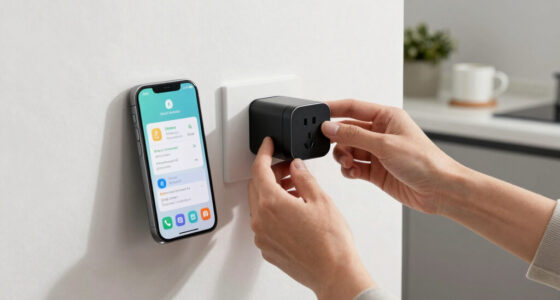
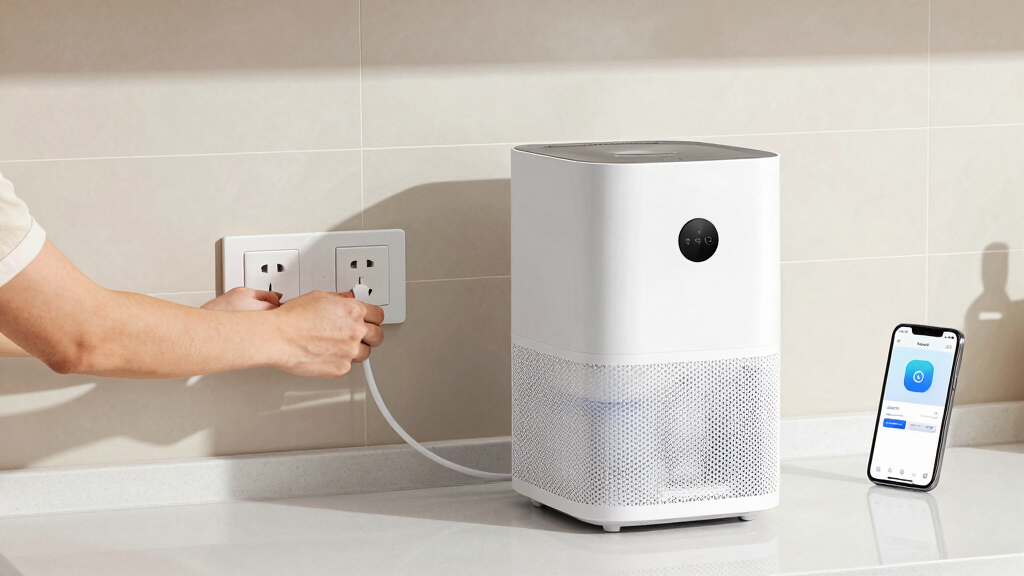
A smart plug is a Wi-Fi-enabled device that acts like a remote control for your appliances. Plug it into an outlet, then connect your dehumidifier to it. With an app on your phone, you can turn the dehumidifier on or off from anywhere, or set schedules.
Imagine your dehumidifier quietly humming away in the basement. Now, picture turning it on with a tap on your phone before you even step inside. That’s the convenience of smart plugs—simple, reliable, and perfect for home automation.
As an affiliate, we earn on qualifying purchases.
Choosing the right smart plug for your dehumidifier in 3 steps
- Check the power rating: Most dehumidifiers draw between 5A and 12A, with wattage around 600W to 1500W. Your smart plug must support at least 15A or 1800W. Choosing a plug with insufficient support can lead to overheating or failure, risking damage to your device and potential fire hazards. It’s crucial to match or exceed your dehumidifier’s power needs to ensure safety and longevity of both devices.
- Verify compatibility: Make sure the smart plug works with your Wi-Fi network and ecosystem (Alexa, Google, Apple). Compatibility affects how seamlessly you can integrate the device into your smart home system, impacting ease of use and reliability. A mismatch might mean more setup time or limited control options, which could reduce automation effectiveness.
- Look for features: Prioritize models with scheduling, energy monitoring, and a reliable connection. Surge protection can extend your device’s lifespan by preventing voltage spikes. These features enable smarter, safer operation, allowing you to fine-tune your automation for maximum efficiency and safety, and reducing the risk of damage or energy waste.
As an affiliate, we earn on qualifying purchases.
How to set up your smart plug and dehumidifier in 4 simple steps
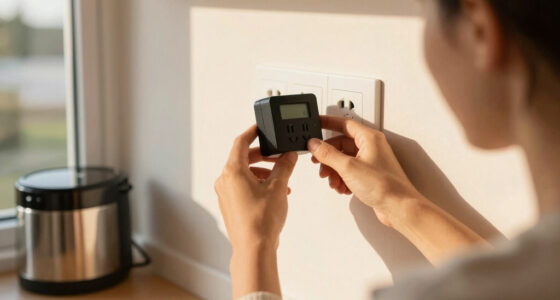
- Plug in your smart plug: Choose a nearby outlet with a stable Wi-Fi connection, ensuring it’s not overloaded or near sources of water or moisture that could compromise safety.
- Connect your dehumidifier: Plug it into the smart plug, ensuring it’s switched on. Confirm that the dehumidifier powers up normally when plugged into the smart device, as some units may have internal controls that could interfere with external automation.
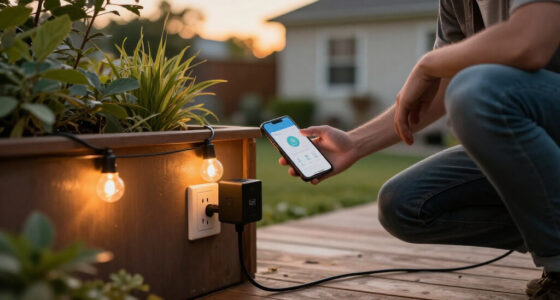
- Configure the smart plug: Use the manufacturer’s app to connect it to your Wi-Fi network and assign it to your home system. Proper configuration ensures reliable control and reduces the risk of disconnection or delays that could affect automation routines.
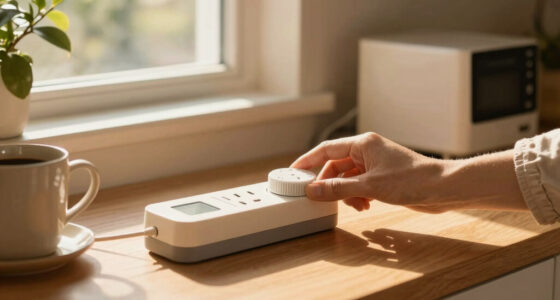
- Create routines: Set schedules or automation rules in the app—like turning on at 7 pm or when humidity sensors trigger. Think about your daily patterns and humidity fluctuations to optimize comfort and energy savings, ensuring the dehumidifier runs only when necessary to avoid unnecessary wear or energy use.
As an affiliate, we earn on qualifying purchases.
Enhance automation with sensors and smart routines
While smart plugs excel at scheduling, integrating humidity sensors takes automation to the next level. These sensors detect moisture levels, triggering your dehumidifier only when needed, saving energy and preventing mold. This approach reduces manual intervention and ensures your home maintains optimal humidity levels consistently. It’s important to understand that humidity sensors provide real-time data, which allows automation routines to react dynamically rather than relying solely on fixed schedules. This means your system can adapt to unexpected changes, such as a sudden increase in moisture after a rainstorm or during humid weather, ensuring your home remains comfortable and safe without unnecessary operation. The tradeoff is that sensors add complexity and cost, but the benefit of precise control often outweighs these considerations, especially in environments prone to moisture issues.
For example, a sensor in your basement detects humidity over 60%. It sends a signal to your smart home system, which then turns on the dehumidifier automatically. This prevents excess moisture that can lead to mold growth, which is not only a health concern but also costly to remediate. By automating based on real-time data, you avoid unnecessary operation, extending the lifespan of your dehumidifier and reducing energy bills, making your home healthier and more cost-effective.
As an affiliate, we earn on qualifying purchases.
Comparison: Manual control vs. automation with smart plugs
| Feature | Manual Control | Smart Plug Automation |
|---|---|---|
| Ease of use | Requires manual intervention | Set it and forget it — automation reduces the need for constant manual adjustments, which can be impractical during busy days or when away from home. |
| Energy savings | Depends on user discipline | Optimized with schedules & sensors — automation ensures the dehumidifier runs only when necessary, reducing waste and lowering energy bills over time. |
| Flexibility | Limited to manual adjustments | Custom routines & remote control — you can tailor operation based on weather forecasts, humidity levels, or your schedule, offering more precise control. |
| Cost | Low, only the dehumidifier | Includes smart plug cost |
Safety tips to keep in mind when automating your dehumidifier
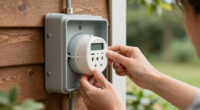
Always verify your smart plug’s power rating matches your dehumidifier’s requirements. Overloading can cause overheating or electrical hazards. Never use a smart plug with a device that exceeds its supported wattage or current.
Keep your setup in a well-ventilated area, and avoid placing smart plugs where they might be exposed to water or moisture. Regularly update firmware and app software to patch security vulnerabilities and improve stability. These precautions help prevent electrical fires, damage to your devices, and potential safety hazards, ensuring your automation remains safe and reliable over time.
Real-world example: Saving energy and avoiding mold in your basement
Imagine a homeowner who installs a smart plug on their 800W dehumidifier. They set it to turn on at 7 pm, when energy rates are lower, and off at 10 am. They also add a humidity sensor that triggers the dehumidifier only when moisture exceeds 60%. By combining scheduling with real-time humidity data, this setup prevents unnecessary operation, reducing energy waste and minimizing the risk of mold growth. This integrated approach ensures the basement stays dry, healthier, and more cost-efficient, illustrating how automation can be both simple and highly effective in real-world scenarios.
Key takeaways
- Check power ratings before choosing a smart plug to prevent overload or hazards. Ensuring compatibility is essential for safety and device longevity.
- Use automation routines based on schedules or sensors for maximum efficiency. Properly configured routines can significantly reduce energy consumption and manual effort.
- Integrate humidity sensors for truly smart control—no manual fuss. Real-time data allows for dynamic adjustments that keep your home comfortable and safe.
- Secure your setup by updating firmware and avoiding water-exposed outlets. Good safety practices are vital to prevent electrical hazards and maintain system reliability.
- Monitor energy use to optimize and cut costs over time. Tracking consumption helps identify inefficiencies and opportunities for further savings.
Frequently Asked Questions
Can I automate any dehumidifier with a smart plug?
Not all dehumidifiers are suitable. Check their power requirements and internal controls. Devices with internal timers or smart features may conflict with external automation, so verify compatibility first.How do I set up humidity-based automation?
Since most smart plugs lack humidity sensors, you’ll need a separate smart humidity sensor integrated into your system. Combine this with routines in your smart home app to turn on the dehumidifier when humidity exceeds your target level.Are smart plugs safe for high-power appliances?
Use only smart plugs rated for the wattage and current your dehumidifier draws. Overloading a smart plug can cause overheating or electrical failure—always verify ratings before use.Can I control my dehumidifier remotely?
Yes. As long as your smart plug is connected to Wi-Fi and configured with your app, you can turn your dehumidifier on or off from anywhere—perfect for adjusting humidity before you arrive home.What features should I look for in a smart plug?
Prioritize high power ratings, reliable Wi-Fi, scheduling, energy monitoring, and compatibility with your smart home ecosystem. These features make automation smooth and effective.Conclusion
Automating your dehumidifier with a smart plug isn’t just about convenience—it’s about creating a healthier, more efficient home. With a few simple steps, you can maintain perfect humidity, save energy, and breathe easier without lifting a finger.
Think of it as turning your home into a smart, self-regulating environment—quiet, efficient, and always just right. Why wait? Start automating today, and enjoy the fresh, dry air tomorrow.
Fall yard work Picks
leaf blowers
As an affiliate, we earn on qualifying purchases.