
TL;DR

Get home appliances delivered free with Prime
- Fast, free delivery on millions of items
- Prime Video, Amazon Music and more included
- Member-only deals all year
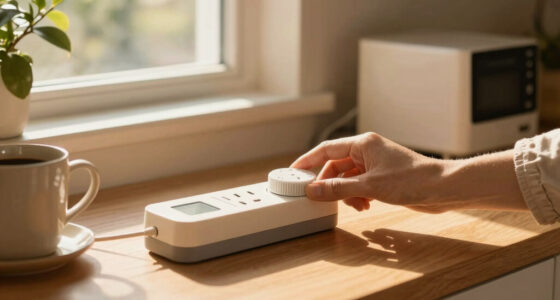
Timers with battery backup keep your programmed settings and, in some cases, device operation during power outages. Battery capacity and timer type determine how long they can run without mains power, making smart choices essential for reliable backup.
Imagine your smart home lights flickering off during a storm, then staying perfectly timed during the blackout. That’s the power of timers with battery backup. They’re the unsung heroes that keep your schedule intact when the lights go out, especially for critical systems like security or heating.
This guide reveals exactly how these timers handle power outages, what types of backup they use, and how to pick the right one for your needs. Whether you want your outdoor lights to turn on automatically or your security system to stay active, understanding backup power makes all the difference.
Most digital timers include a battery that can preserve schedules for days or weeks during outages.
Battery type and capacity directly affect how long your timer can keep operating without mains power.
Regular maintenance, like testing and replacing batteries, is essential for reliable backup.
For extended outages, pairing timers with an uninterruptible power supply (UPS) offers peace of mind.
Smart timers now include alerts for low backup power, helping you stay ahead of potential failures.
What is a timer with battery backup, and why does it matter?
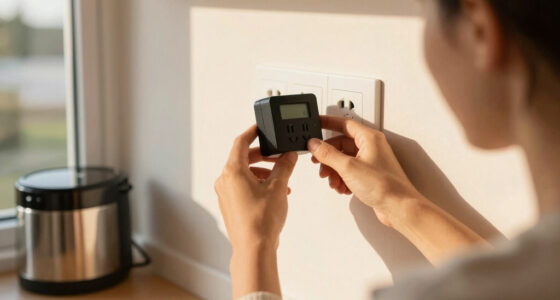
A timer with battery backup is a device that not only controls your appliances or lights on a schedule but also keeps its settings safe if the power cuts out. Think of it as a digital brain that remembers everything, even when the electricity disappears.
For example, a homeowner who sets outdoor lights to turn on at sunset can rest easy knowing the timer will stick to its schedule during a storm, thanks to its backup battery. Without it, the timer might forget its programming or reset to a default state, causing inconvenience or even security risks.
Battery backup is especially critical for timers controlling security systems, heating, or medical devices — areas where uninterrupted operation matters most. The presence of a backup battery can mean the difference between maintaining security and facing vulnerabilities during outages. It also influences the reliability of scheduled tasks; without backup, a power outage could disrupt your entire routine, leading to inconvenience or safety concerns. Choosing a timer with a dependable backup ensures your critical systems stay operational, which is vital for peace of mind and safety.
As an affiliate, we earn on qualifying purchases.
How do timers with battery backup keep your settings during outages?
- Power loss triggers the backup system. When mains power drops, the timer switches to its internal battery. This switch isn’t just a simple cutoff; it’s a carefully designed process that ensures seamless transition, preventing loss of data or misoperation.
- Battery supplies power to the memory chip. This preservation of the memory chip is crucial because it stores your entire schedule and configuration. If the battery fails, the timer risks losing these settings, forcing reprogramming which can be inconvenient and error-prone, especially if you rely on precise timing for security or automation.
- Operation continues if designed for load backup. Some timers can power small connected devices directly from the backup, which is a significant advantage for critical systems. For instance, a timer controlling a sump pump or security alarm can keep these devices active during a power outage, reducing risks of flooding or security breaches. However, this feature often involves tradeoffs, such as increased complexity or higher cost.
- Once power restores, the timer switches back to mains. The transition back to mains power usually involves recharging the backup battery if rechargeable, ensuring readiness for future outages. This process is essential because it maintains the timer’s reliability over time, but it also highlights the importance of proper maintenance and battery management to prevent unexpected failures.
For example, a smart timer controlling garden irrigation might keep watering on schedule during a brief outage, thanks to its built-in battery preserving the program. The key is understanding that reliable backup isn’t just about keeping the clock running but about maintaining operational integrity for your entire system during disruptions.
As an affiliate, we earn on qualifying purchases.
What types of batteries do timers use, and how long can they last?
Timers typically use lithium coin cells, AA or AAA batteries, or rechargeable packs. Lithium coin cells are common because they provide a stable voltage over a long period, often lasting 1-3 years, depending on usage and features. This longevity reduces maintenance and ensures the timer remains ready when needed.
For instance, a digital timer with a lithium CR2032 battery might keep its settings for up to two weeks during a complete power outage, providing a buffer for short-term emergencies. Conversely, rechargeable NiMH packs offer the advantage of rechargeability but may last only a few days during an outage if not recharged regularly. This tradeoff means you must consider your specific needs: long-term reliability versus ease of recharge.
Battery lifespan hinges on capacity, load, and how often the timer switches on and off. Higher loads or frequent switching can drain batteries faster, which emphasizes the importance of selecting batteries with sufficient capacity and monitoring their health. Regular checks and timely replacements keep backup power reliable, preventing unexpected schedule failures during critical moments.
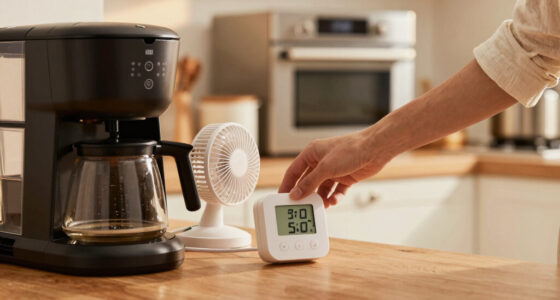
smart timer with low battery alert
As an affiliate, we earn on qualifying purchases.
As an affiliate, we earn on qualifying purchases.
How reliable are these backup batteries during long-lasting outages?
Most timers are designed for short-term backup — usually up to a week or two. If your area experiences extended outages, backup batteries may run out before power returns, risking loss of programmed schedules or device operation. This limitation is a tradeoff that stems from size, cost, and energy consumption considerations.
For example, a timer with a small lithium coin cell might last 10 days without power, but beyond that, its settings could be lost if the battery isn’t replaced or recharged. This underscores the importance of planning for longer outages, possibly by integrating additional backup solutions like external UPS systems or larger capacity batteries.
To enhance reliability during extended outages, some timers incorporate rechargeable batteries that replenish during normal operation, effectively extending backup time. However, these are still limited by the battery’s capacity and the timer’s power consumption. Therefore, for critical applications or prolonged outages, pairing timers with an uninterruptible power supply (UPS) becomes a prudent strategy, ensuring continuous operation regardless of local power conditions.
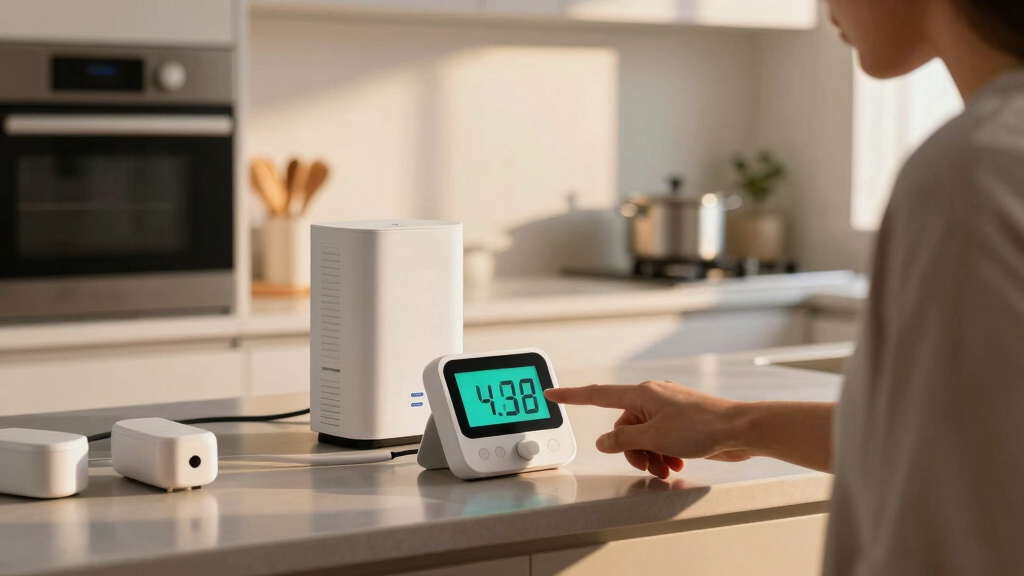
timer with uninterruptible power supply
As an affiliate, we earn on qualifying purchases.
As an affiliate, we earn on qualifying purchases.
What recent tech advances are improving timer backup power?
Manufacturers now focus on making timers smarter and more efficient. Recent models use low-power electronics to extend battery life, sometimes doubling previous durations. This means fewer replacements and greater peace of mind, especially during unpredictable outages.
Hybrid systems that combine mains power with rechargeable backups are growing popular. These timers recharge their batteries during normal use, providing longer-lasting backup capabilities that can sustain operation for days or even weeks, depending on the system design. This reduces the need for frequent battery changes and minimizes maintenance.
Smart timers can now send alerts when backup power is low or batteries need replacing, adding peace of mind. These notifications enable proactive maintenance, preventing unexpected failures during outages and ensuring your critical systems remain operational.
For example, a smart outdoor timer might notify you via app that its backup battery is running low, so you can swap batteries before an outage hits. Such technological advancements make backup power more reliable and manageable, helping homeowners and businesses avoid disruptions and security risks.
What should you check to keep your timer’s backup working?
- Battery status: Regularly inspect or test backup batteries to ensure they are holding charge and functioning properly. Many timers have indicator lights or alerts that can help you monitor battery health.
- Replace batteries as needed: Follow manufacturer guidance, typically annually, but always verify with testing. Using fresh, high-quality batteries reduces the risk of unexpected failures during outages.
- Test during power outages: Periodically simulate a power outage to confirm your timer switches seamlessly to backup mode. This proactive approach ensures reliability when it counts most.
- Keep firmware updated: For smart timers, updates can improve backup features and overall reliability. Manufacturers often release firmware updates that enhance battery management and alert systems.
- Use quality batteries: Cheap or low-quality batteries may fail prematurely, risking schedule loss. Investing in reputable brands ensures consistent backup performance and peace of mind.
Frequently Asked Questions
Do all timers have battery backup?
No, only specific models designed for critical or continuous operation include battery backup features. Always check the product specifications before buying if backup power is essential for your setup.
How long can a timer run on backup battery during an outage?
It varies widely based on the timer and battery capacity, ranging from a few hours to several days. For example, a timer with a lithium coin cell might last around 10 days without power, but larger batteries can extend this duration. Understanding these differences helps you plan accordingly, especially if outages are frequent or prolonged in your area.
What types of batteries are best for backup?
Common options include lithium coin cells, AA or AAA batteries, or rechargeable packs. Lithium batteries tend to last longer and are more reliable during extended outages, but choosing the right type depends on your specific needs and the timer’s design.
How can I tell if my timer’s backup battery needs replacing?
Many digital timers display alerts or error messages when batteries are low. Regular testing and scheduled replacements — typically annually — keep backup power dependable. Additionally, if your timer starts losing scheduled operations or shows inconsistent behavior, it might be time to check and replace the backup battery.
Can I upgrade my current timer to include battery backup?
Usually not. You’ll need to select a timer model that already has a built-in backup feature. Upgrading often requires replacing the entire device, but choosing a model with built-in backup from the start ensures you get the reliability you need without complex modifications.
Conclusion
Choosing a timer with reliable battery backup means trusting that your schedule will survive power cuts. Regular checks and smart features turn a simple device into a dependable part of your home automation. When the next storm hits, your lights and security stay on — not by luck, but by design.
Think of backup batteries as the silent guardians of your schedule. Keep them healthy, and your home runs smoothly, no matter what the weather throws at you.
Halloween Picks
halloween
As an affiliate, we earn on qualifying purchases.